Table of Contents
Getting Started
| Welcome to your 3rd Eye body camera with the ability to record video in true HD 1080P & features such as One Touch Recording (OTR for instant video recording activation) Snapshot feature (which will silently snap a photo of the person or persons being questioned), a 120 degree built in wide angle lens, Built-in GPS so every video will have time, Date, and GPS Coordinates stamped onto each and every Video file, frame by frame and picture by picture. |
First things first

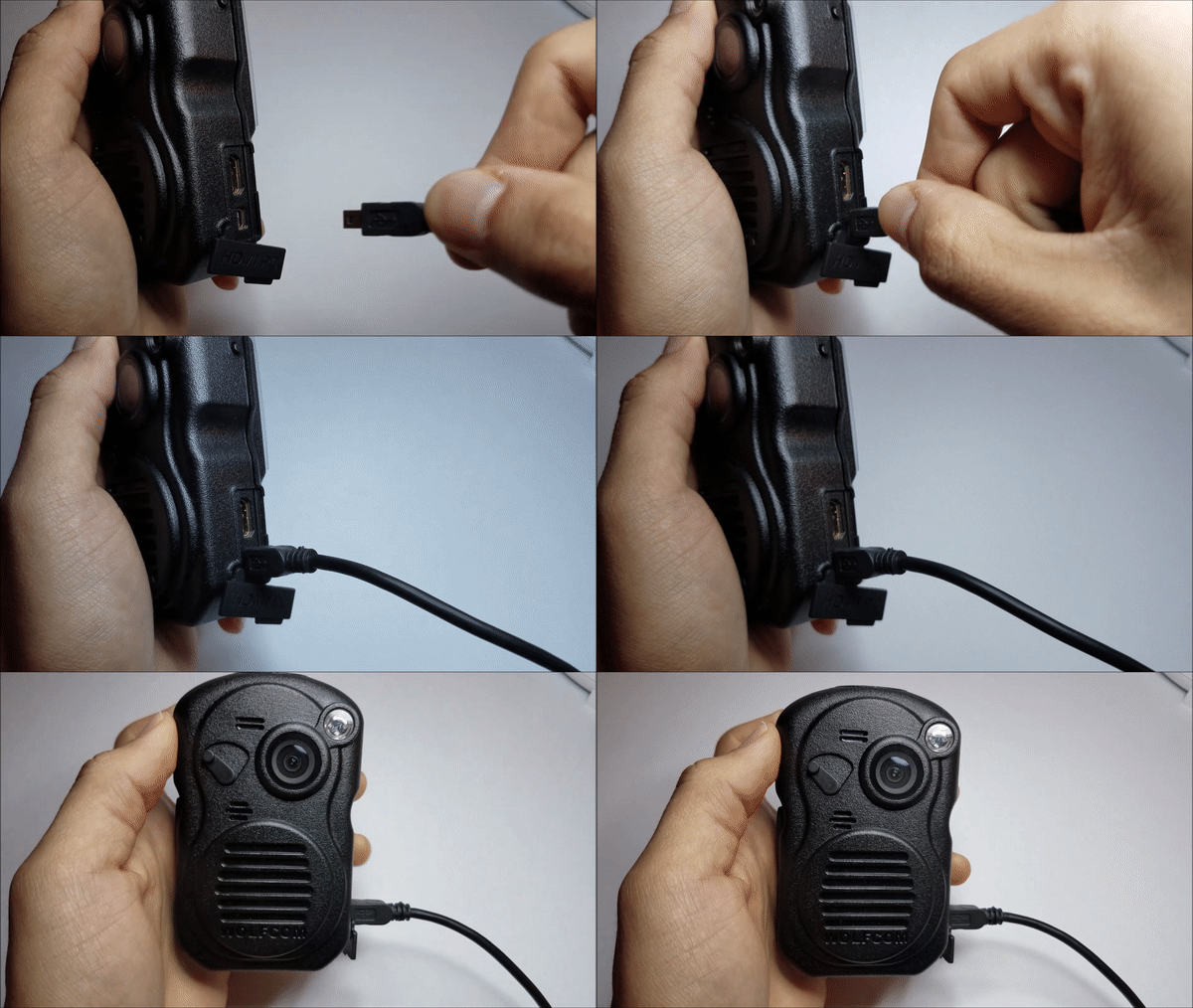
- Before operating the Wolfcom 3rd Eye, charge the unit for two to three hours with the Wolfcom 3rd eye charging cable. When connected press the joystick in “Charge”. For more information regarding charging click on Battery & Charging
How to power on/off 3rd Eye?
* There are two ways of powering on/off the 3rd Eye.
* Now lets Start with OTR switch (One-Touch-Record)
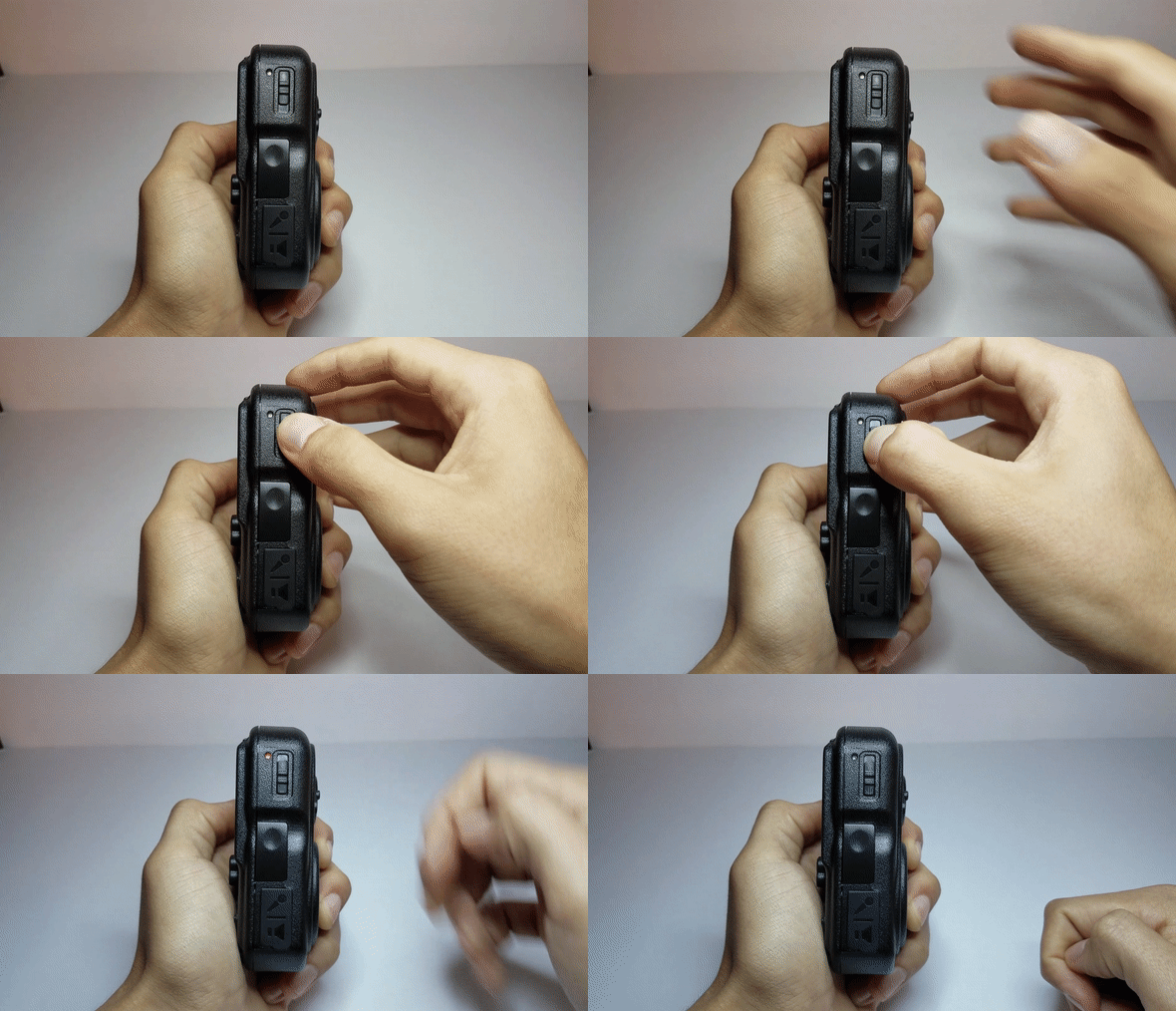
1.) OTR SWITCH (One-Touch-Record)

- First, switch the OTR switch towards the down position, the unit will power on & begin recording. To power off reverse in sequence order of Up, down, and up. Unit will then chime & power off
2.) Manual Boot

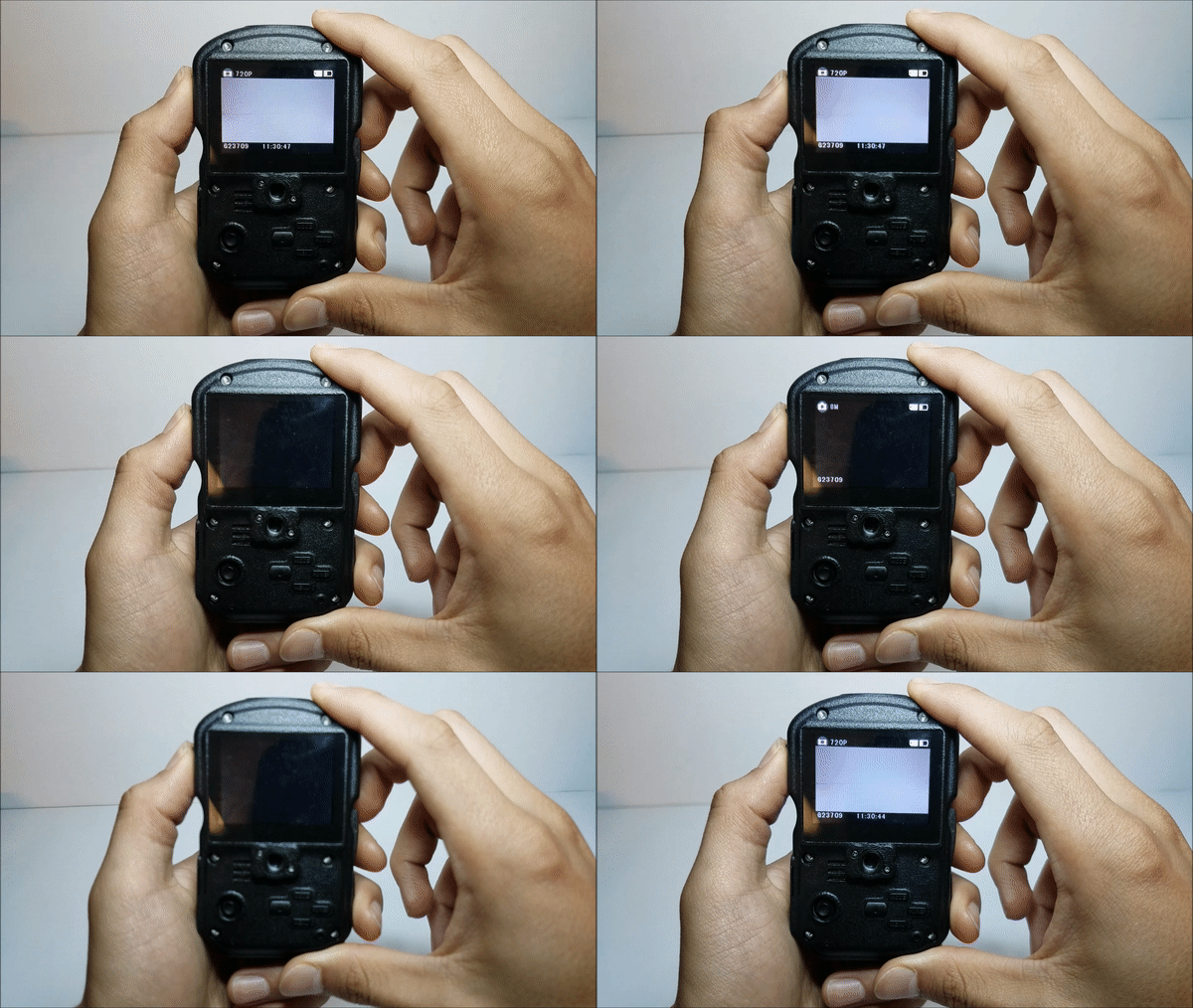
- Now lets Manually power on/off the Wolfcom 3rd Eye. Hold the power button until the unit powers on.
(Note: Make sure OTR switch is in the up position before manual boot. Unit will not automatically record)

Modes & features
 To access the three modes below press the Menu button

Using the Snapshot Button
 The snapshot button lets you take a photo while recording footage. Here's how:
How to use night vision?

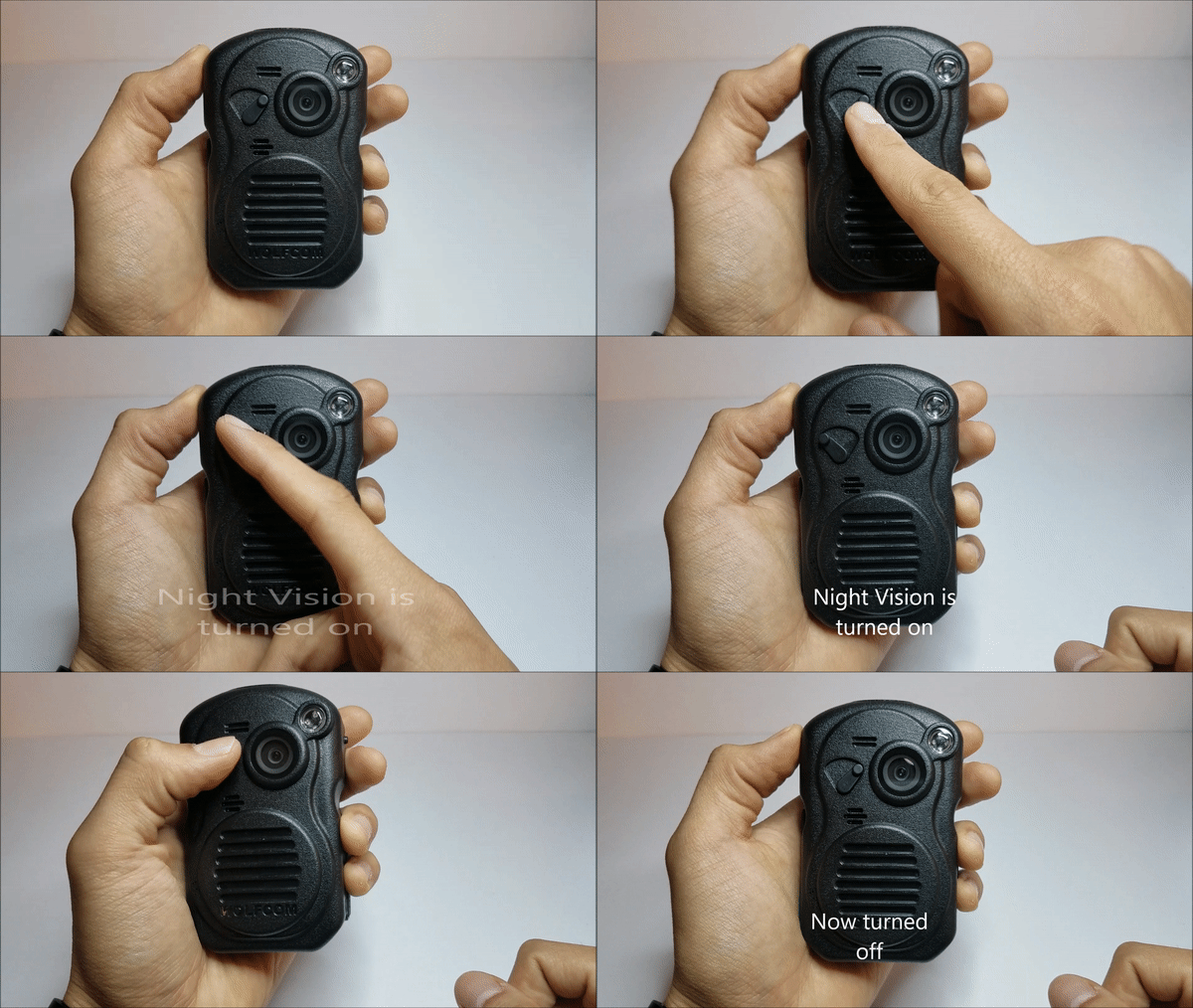
- The IR switch is located towards the front of the unit. To toggle the night vision see gif below.
FYI (For Your Information)
 * Night Vision can go up to 15ft in pitch black darkness
* Also allows users to take photos while recording Video simultaneously in night vision.

How do I use PTT button? (Push to talk)

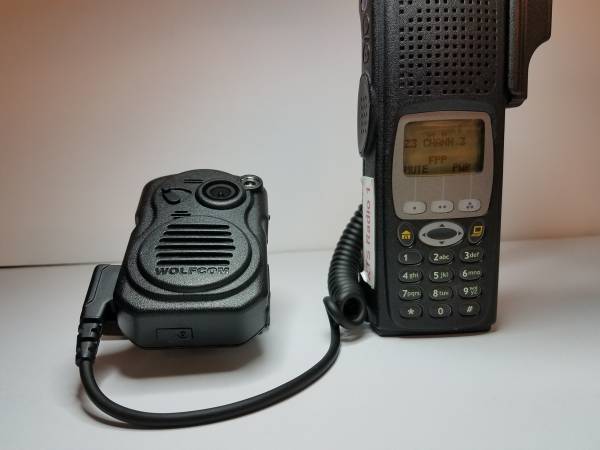
- Once radio cable is connected you're ready to go. Press the PTT button on the side to begin.
What's Next?
 |